Windows Command Prompt Regular
Designed by Microsoft Corporation
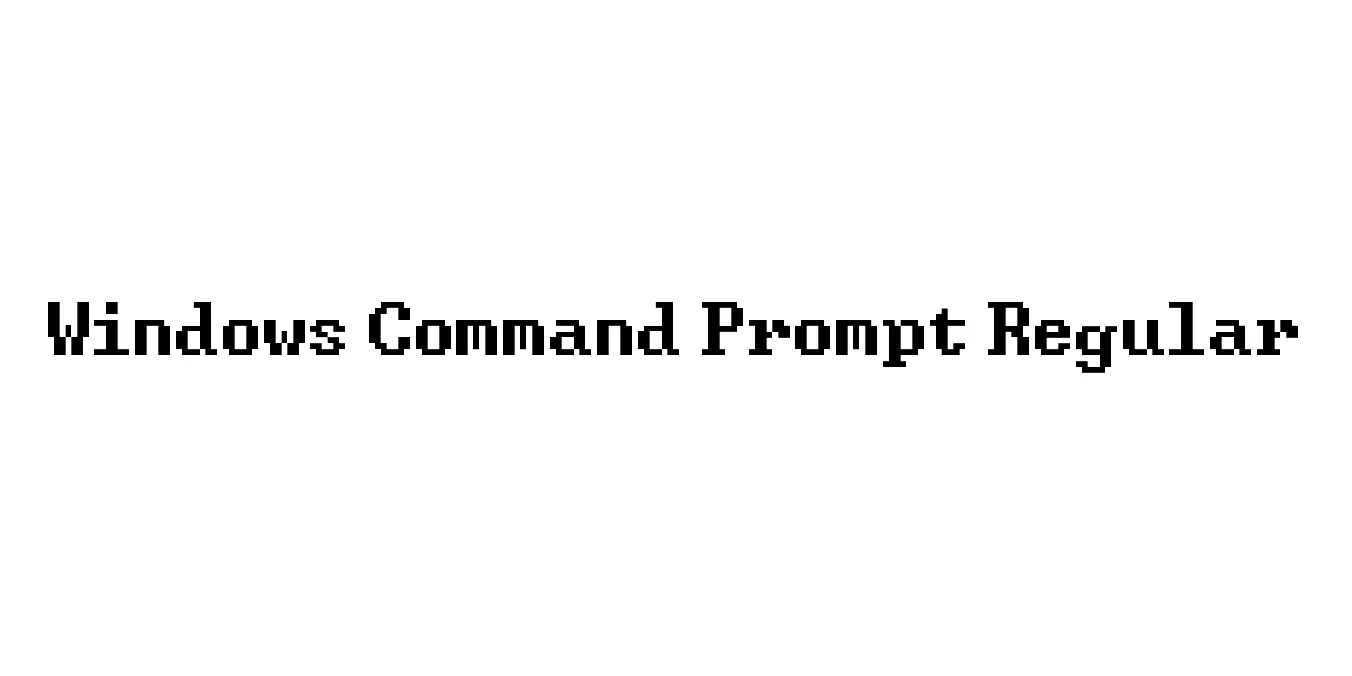
| Font Name | Windows Command Prompt |
| Style | Regular |
| Category | Monospaced / Bitmap |
| Designer | Microsoft Corporation |
| Copyright | Copyright McFood 2012 |
| License | Free for Personal Use |
| Total Character | 193 |
| Recommended Line Height | 0.88 |
| Ascent | 704 |
| Descent | 192 |
| Units Per em | 1024 |
| Total Vertical Range | 896 |
| Max Advance Width | 1024 |
| Max Advance Height | N/A |
| Underline Position | 102 |
| Similar Fonts | Fixedsys, Lucida Console, Consolas, Courier New, Terminal |
Windows Command Prompt Regular Font Details : Font Free Download
The Windows Command Prompt Regular font, often associated with the classic system fonts like Fixedsys and Lucida Console, traces its origins back to the early days of the Windows operating system. It was designed to provide maximum legibility within a character-cell based environment, ensuring that system administrators and developers could distinguish between similar characters like '0' and 'O' or '1' and 'l'. This monospaced aesthetic has become synonymous with the Command Line Interface (CLI) experience, evoking a sense of raw computing power and technical precision.
In modern contexts, this font style has moved beyond the terminal to become a staple in retro-tech design and cyberpunk aesthetics. Its grid-based structure ensures that every character occupies the exact same horizontal space, making it an essential tool for data visualization, ASCII art, and programming environments. While the underlying technology has shifted from bitmap to scalable vectors, the iconic, blocky appearance of the Windows Command Prompt font remains a cultural touchstone for the digital age.
Windows Command Prompt Regular Best Uses
Provides clear character distinction and perfect vertical alignment for code editors.
Ideal for creating 80s and 90s computing-themed graphics and interfaces.
The standard choice for command-line interfaces and server monitoring tools.
Effective for displaying raw data, logs, or technical documentation on websites.
Windows Command Prompt Regular Glyphs
